
Features

Everything you need to run digital signage day to day.

Media

Your library is the source of truth for every screen. Upload images and video once, then reuse them across playlists, layouts, and Interactive experiences.

Organize with folders (including Background and Widgets), search large libraries, and stream with signed URLs so players can pull content securely. Add live widgets — clock, weather, ticker, QR, countdown, Canva, Google Slides, Power BI, calendar/room panels, Google Reviews, Instagram, stocks, traffic maps, CAP emergency feeds, Video In (HDMI/USB or this PC’s screen), and RTMP streams — alongside stills and video without leaving Media.
Playlists

Sequence content the way operators think: what plays next, for how long, and how it transitions. Playlists feed layouts and can stand alone on simpler displays.

Set durations, in/out transitions, fit modes (contain, cover, fill), and offsets. Mix media with widgets so a lobby loop can show sponsors, a clock, and weather without a separate tool.

Layouts

Design multi-layer canvases for 1080p walls and other resolutions. Each zone can run a playlist, a single asset, or an overlay — exactly where you place it.

Use sequences, shapes, text overlays, and list-card previews that show real media thumbs. Publish to one display or a group when the design is ready — no export gymnastics.

Interactive

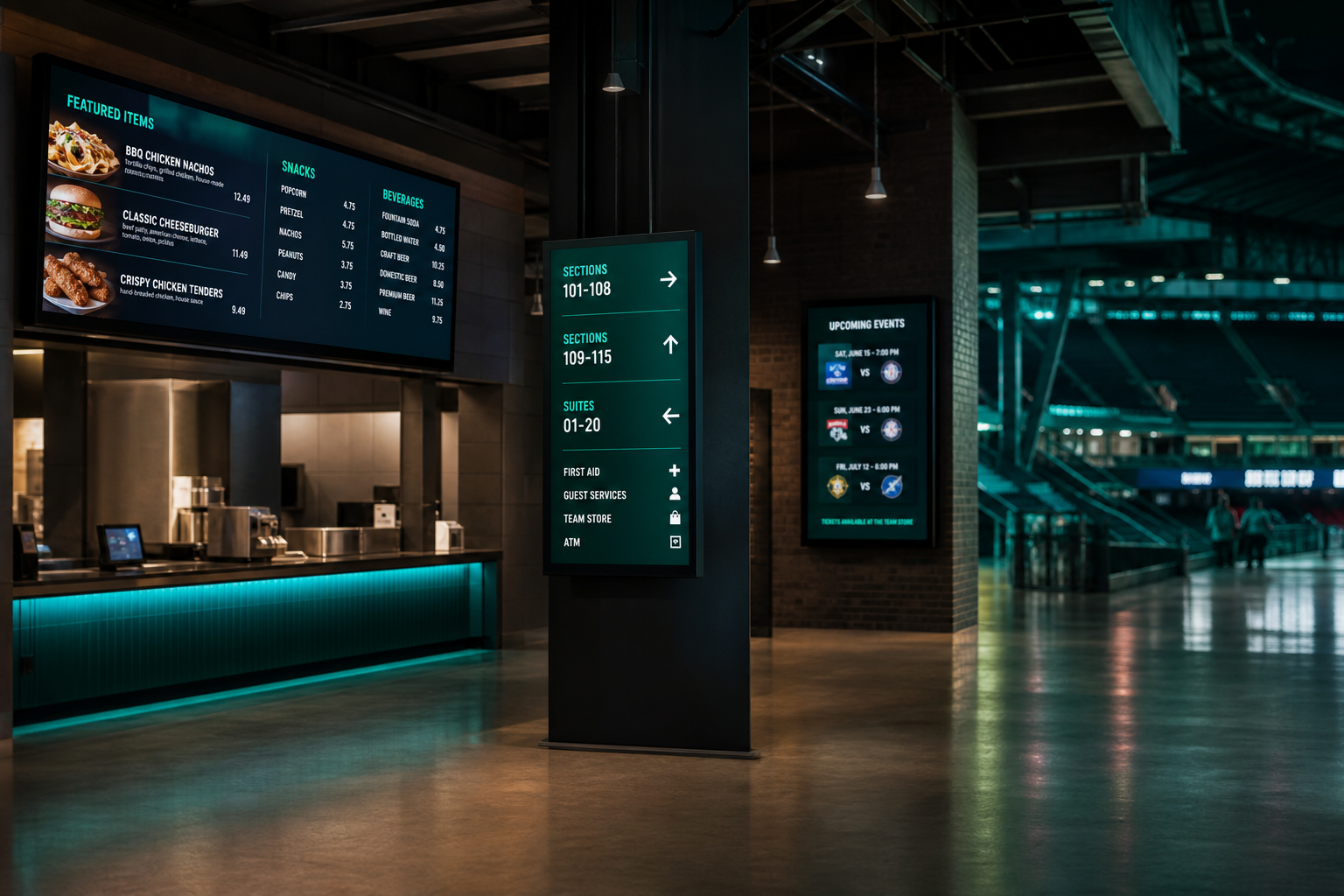
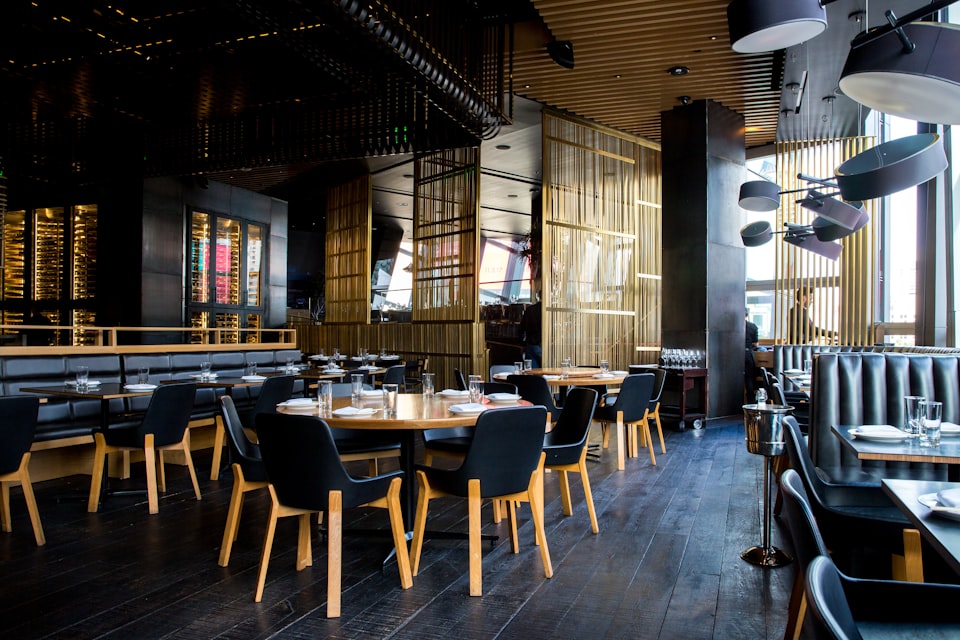
Build touch experiences for tablets and kiosks — restaurant menus, mall directories, event guides — authored in the same CMS as your broadcast layouts.

Define categories and items with prices and descriptions, or cover pages with hotspots. Assign an Interactive experience per display and set idle return so kiosks reset between guests.

Schedules

Override the main layout for a daypart, event, or campaign window, then revert automatically when the window ends — no midnight manual switch.

Target specific screens or groups, pick playlist or layout overrides, and keep overnight and weekend programming without babysitting the fleet.

Displays & sync

See which screens are online, pair new players with a code, and keep multi-monitor setups and location groups in sync.

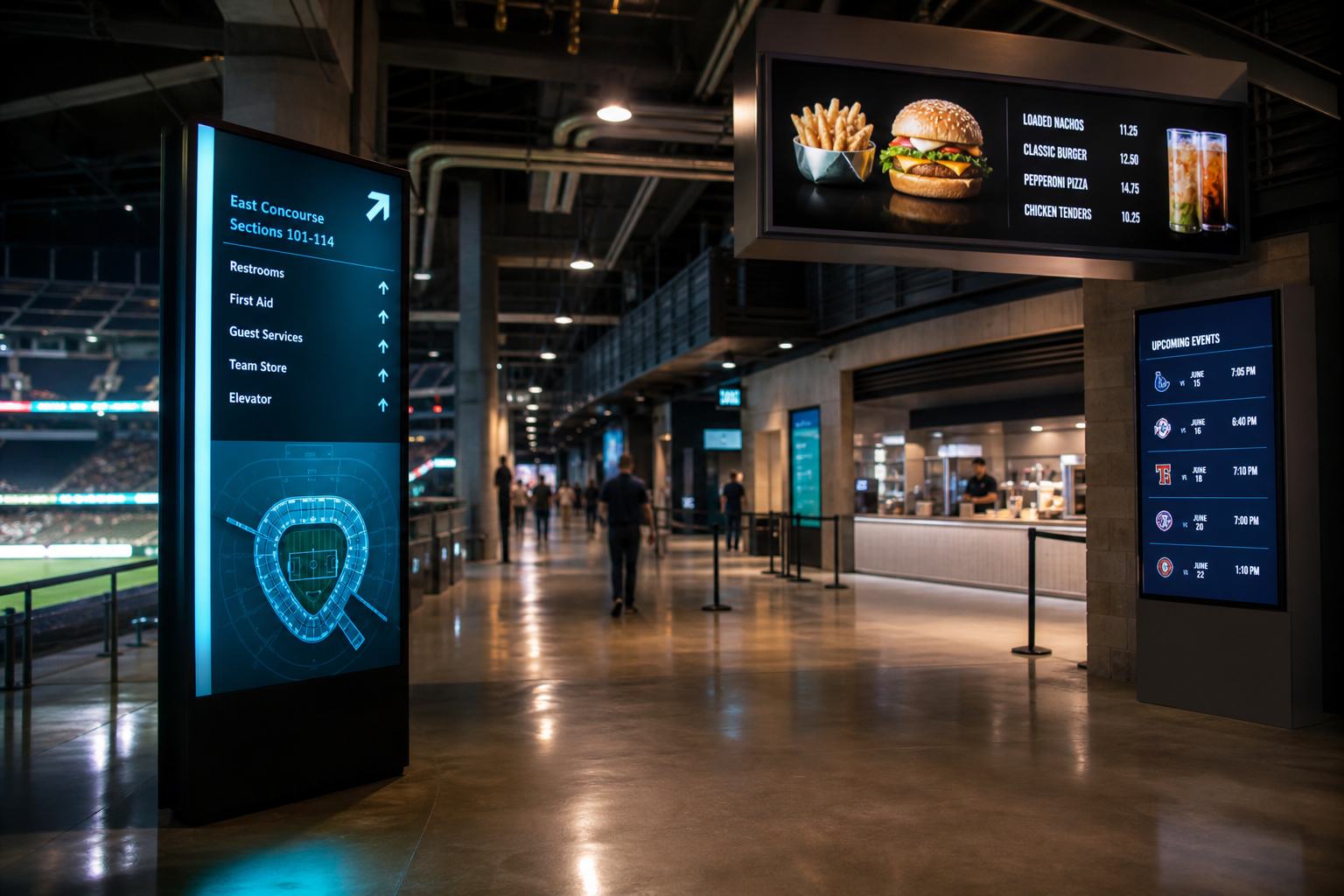
Windows and Android players (plus the browser player) pull the same published layouts. Pair with a code, or Cast to TV — scan a QR / open the player URL on a smart TV browser. Use display sync when several screens need to stay on the same beat across a concourse or lobby.

Apps & integrations

The Media library ships with operator-ready apps — not just uploads — so marketing and facilities teams can go live faster.

Canva & Google Slides

Drop share/view links into Media — presentations and designs play on the wall without redesigning in the CMS.

Calendar / meeting room

ICS feeds power Available / In use door panels and lobby agendas from Google or Outlook calendars.

Reviews & Instagram

Show Google star ratings and Instagram grids on lobby screens — API keys stay on the server.

Stocks & traffic

Live ticker quotes and a Google Maps traffic layer for lobbies, waiting rooms, and operations floors.

Video In & screen capture

HDMI/USB capture or this PC’s screen on the Windows player. Another machine’s desktop? OBS → RTMP.

SSO & CMS on your phone

Optional Google / Microsoft sign-in for teams, plus an installable CMS PWA for operators on the go.

Video walls

Join two or more displays into a single canvas — up to an 8×8 grid. Design the wall once in the CMS, assign a display to each cell, and push it live in one click.

2×2 — four screensThe lobby classic. A 3840×2160 canvas split into four 1080p crops.
1×3 — ribbonWide concourse or above-bar ribbon: one long 5760×1080 canvas.
3×3 — nine screensCommand centre or atrium feature wall at 5760×3240.
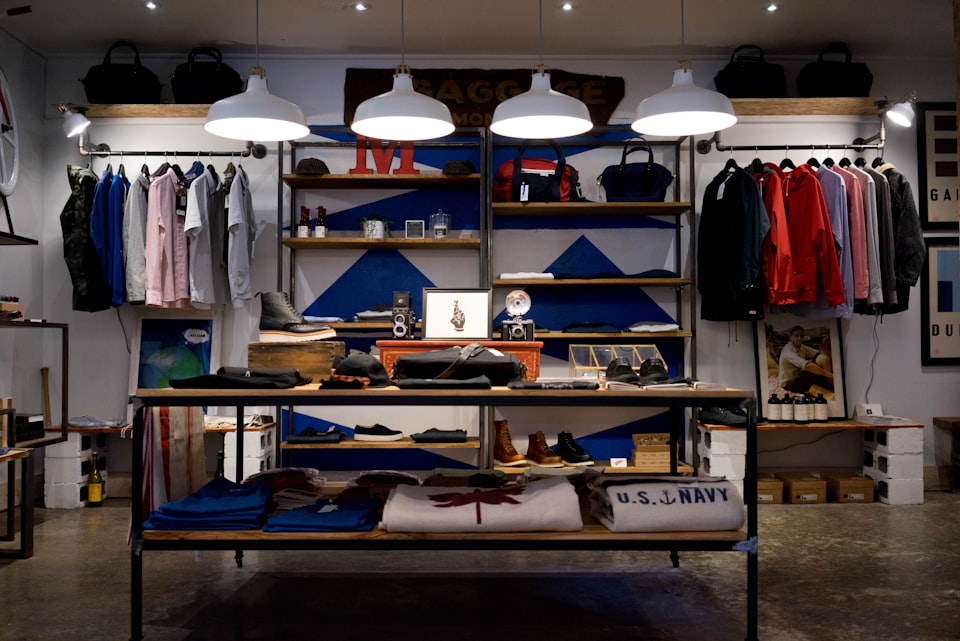
2×3 — six screensRetail feature wall — run one hero video or six zones side by side.
Software splitMaster canvascropNo extra hardwareBezel gaps handledin the crop math4 players, 1 crop eachDisplays stay in syncon the same beat

No wall processor needed

Every player pulls the same master canvas and renders only its own cell, with bezel compensation baked into the crop. Four screens, four players, one design.

Hardware matrixFull frameMatrixOne player outputYour processor or scalerdoes the tiling and bezelsSignTech lists thedisplays it feedscanvas & schedule

Already have a video wall processor?

Send the full-resolution frame to your matrix or scaler and let it tile the outputs. SignTech keeps the canvas, schedule, and display list; the hardware handles the cuts.

  • Reusable formats. Save a wall as a template — grid, resolution, bezel, and design — then spin up the next site in seconds.
  • Layered designs. Wall canvases use the same zone editor as everything else: hero video, sponsor rail, ticker, clock, weather.
  • Mixed walls. Walls live alongside single screens and touch kiosks in the same fleet, with the same scheduling and health monitoring.

Business logins

Run signage for multiple clients or brands from one login — each business is a fully separate workspace with its own media, screens, team, and billing.

Pro includes business logins for up to three workspaces; Business and Enterprise are unlimited. Switch between businesses in the CMS without juggling separate accounts or passwords.

Download the players

Supports Windows and Android. Install the player, pair with a code, and run the same layouts as the browser player.

Need install steps? See cms.signtech.ca/downloads.